
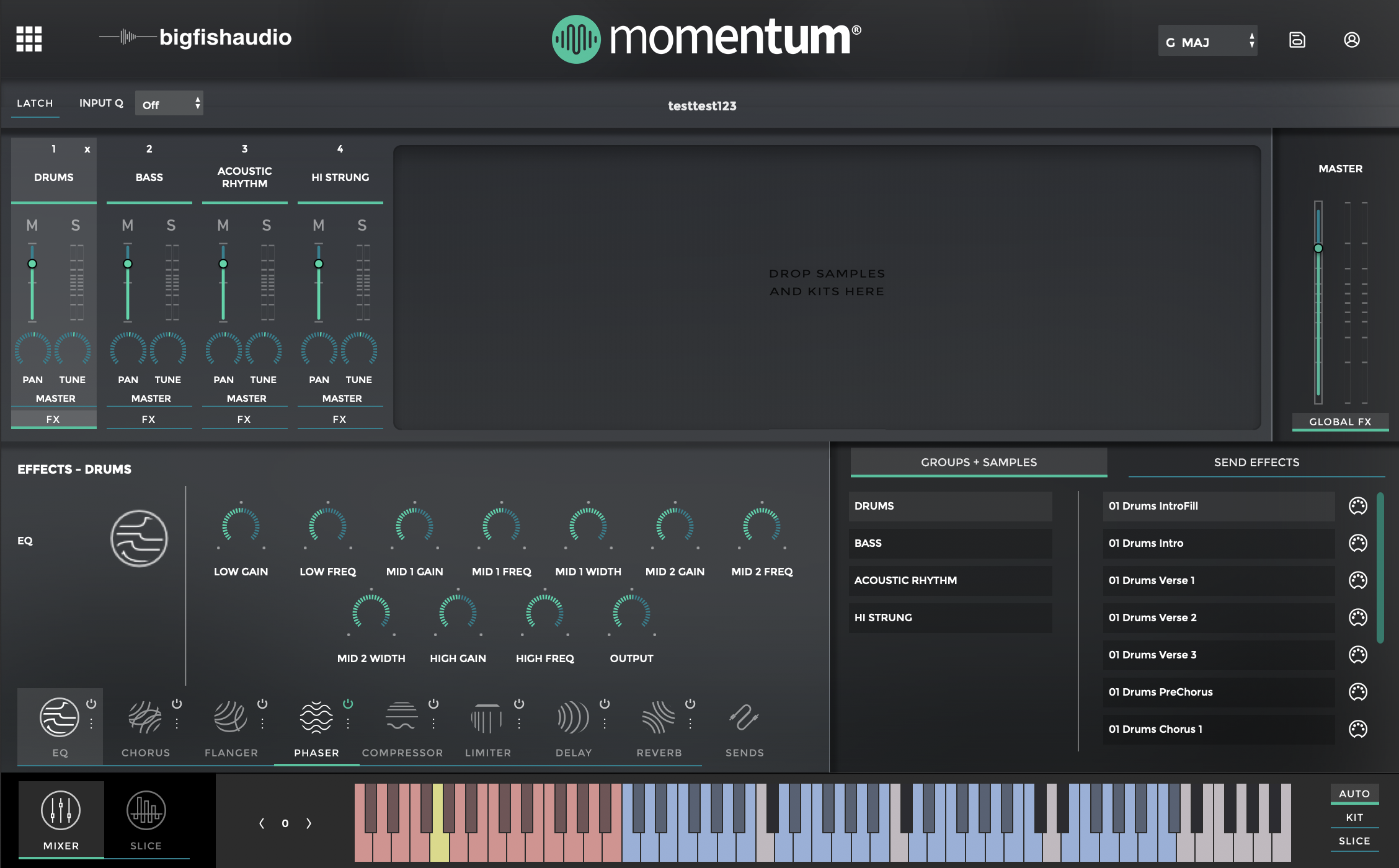
The Mixer Page is where you can load kits, loops, and one-shots. Each sample is mapped to a blue key on the keyboard. You can add effects to each channel, layer and play the samples, and even change the key on the fly with the red keys.

Momentum Help Center
Get help straight from the Big Fish Audio team...
Tutorials
Last updated on 07 Jan, 2020
The Mixer Page is where you can load kits, loops, and one-shots. Each sample is mapped to a blue key on the keyboard. You can add effects to each channel, layer and play the samples, and even change the key on the fly with the red keys.